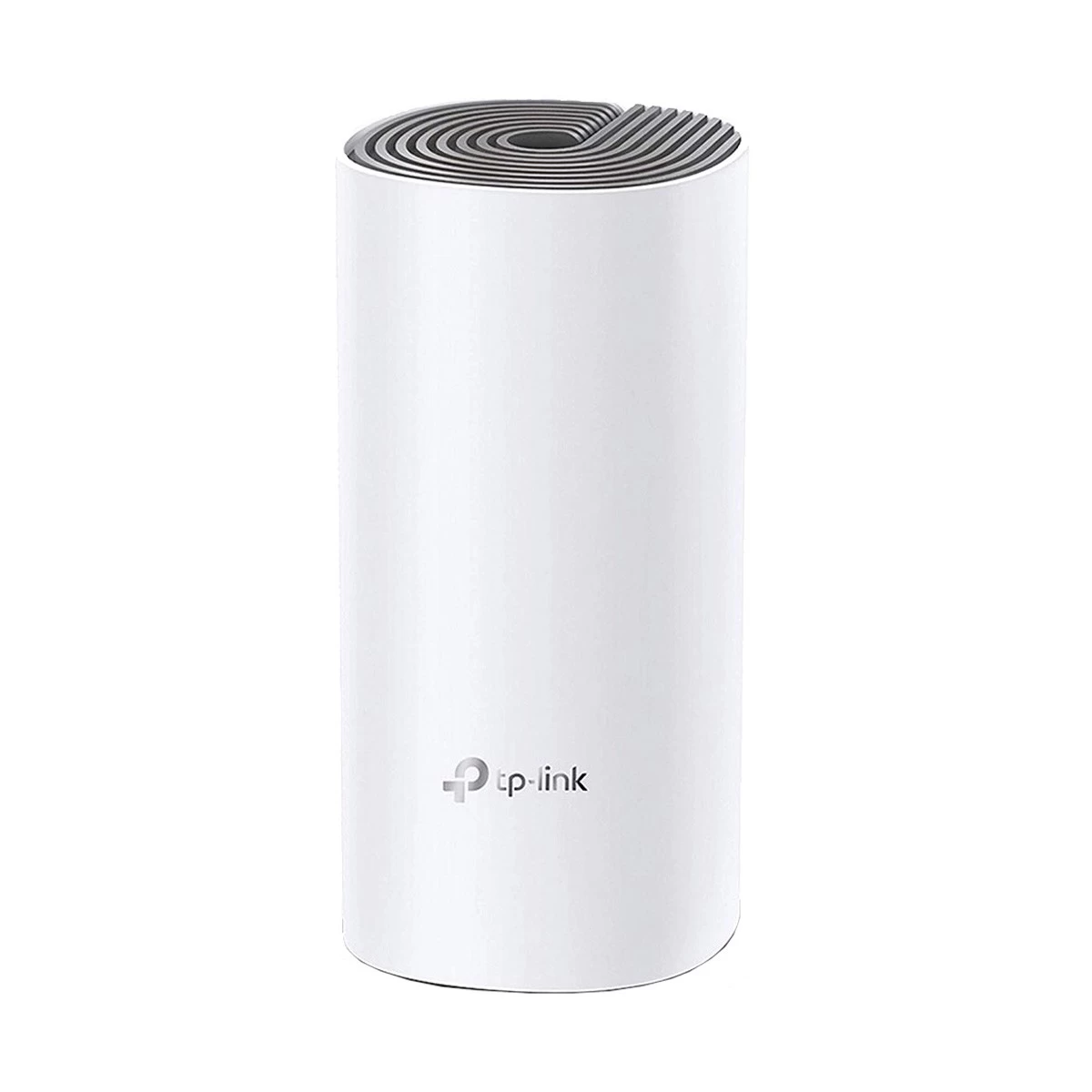
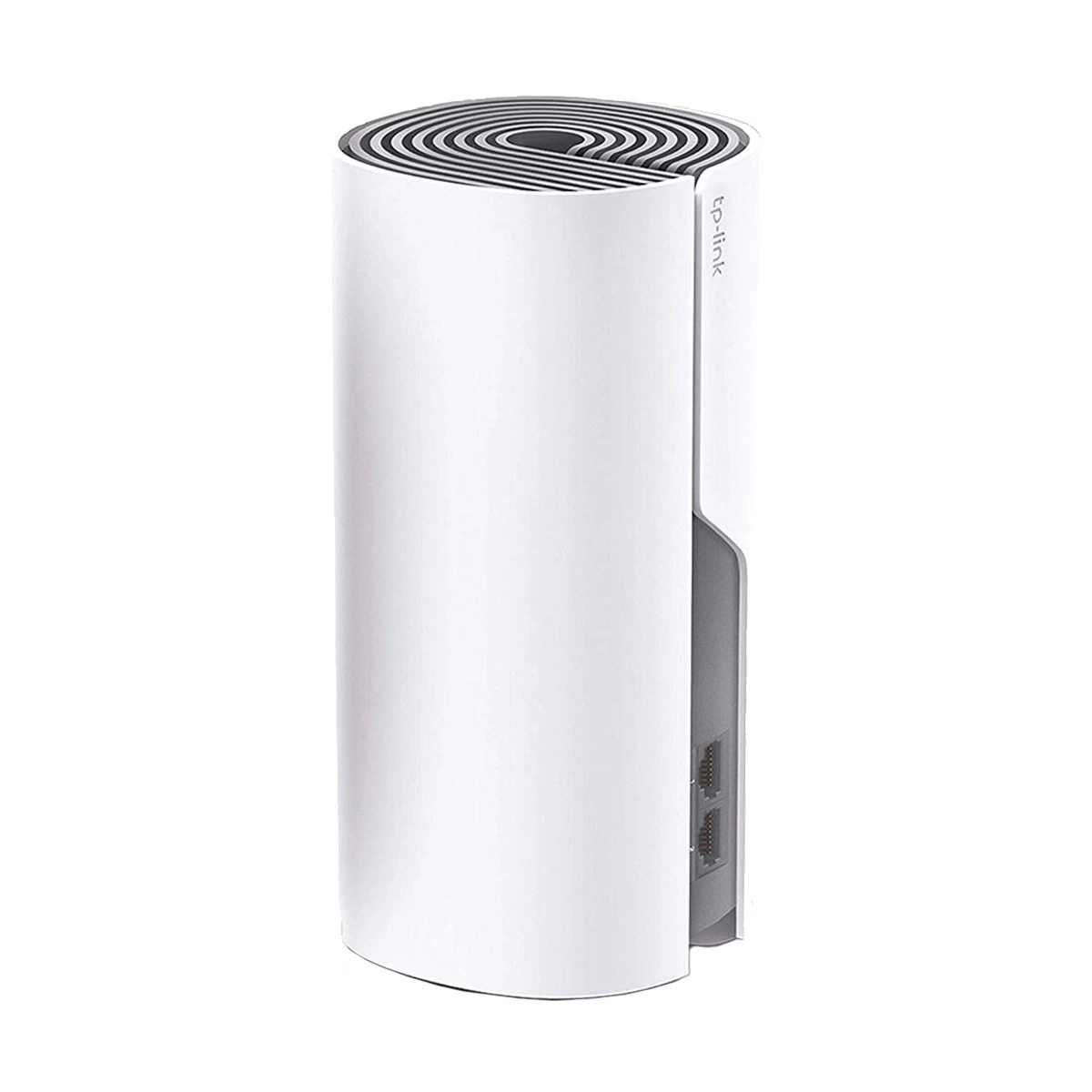
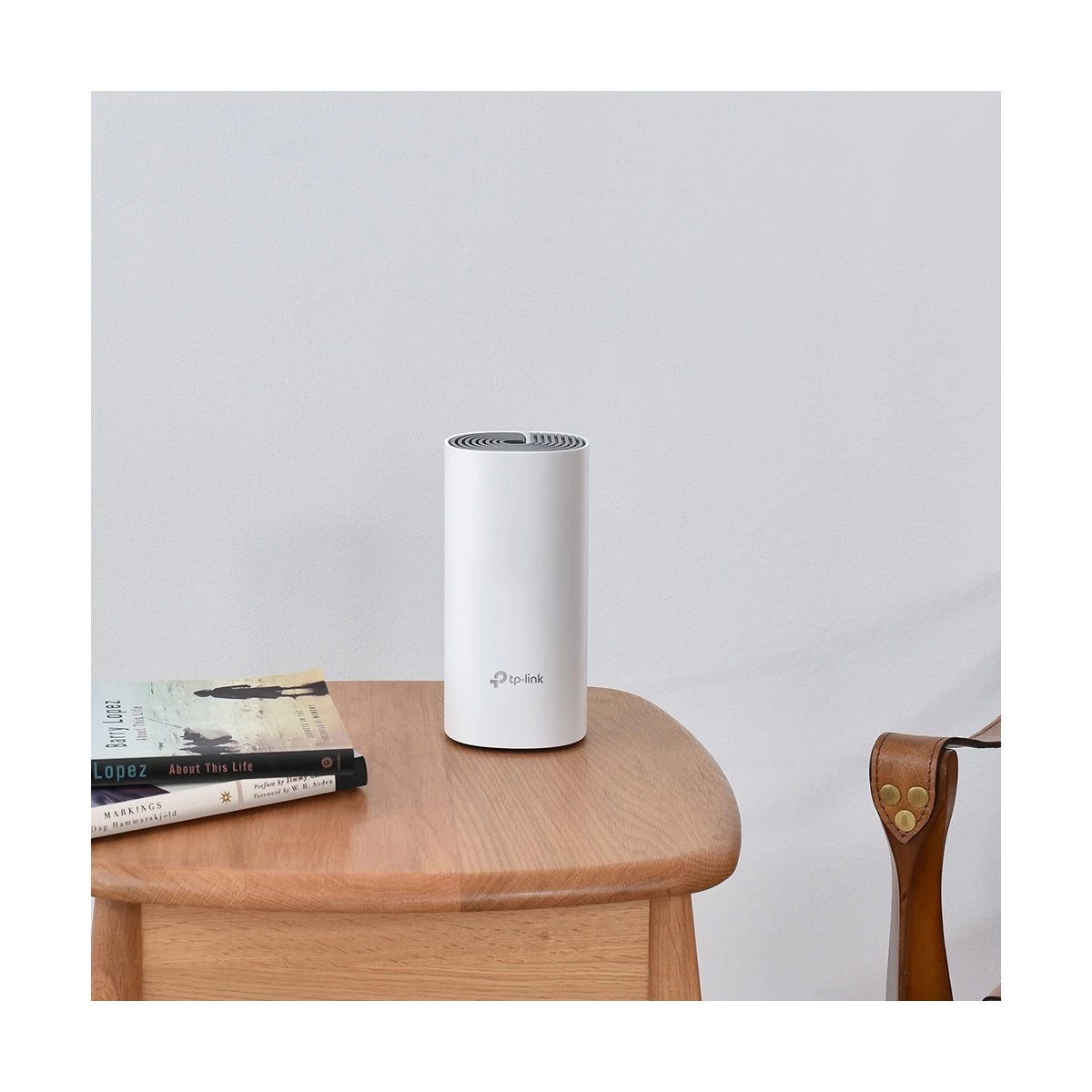
Features of TP-Link Deco E4 (1-Pack) Network Router In Bangladesh
The TP-Link Deco E4 AC1200 Whole Home Mesh Wi-Fi System is a great solution for smooth Wi-Fi coverage. It is designed to cover up to 1500 sq. ft. and eliminate dead zones. If you're working, gaming, or streaming, it ensures a stable connection throughout your home. With dual-band support and a simple setup process, you can enjoy fast and reliable internet. Anyone looking to boost Wi-Fi performance across their home will benefit from this system.
Features & Benefits of TP-Link Deco E4 AC1200 Whole Home Mesh Wi-Fi System (1-Pack)
The TP-Link Deco E4 AC1200 gives you a fast and reliable connection. It offers speeds up to 1200Mbps, ensuring smooth browsing, streaming, and gaming. The dual-band support (2.4GHz and 5GHz) reduces congestion and increases overall performance. This system provides seamless coverage across up to 1500 sq. ft., so you can move freely around your home without dropping the connection. The Deco E4 is easy to set up using the TP-Link Deco app. It’s a perfect choice for homes with multiple devices connected at once. It supports up to 100 devices, making it ideal for households with smartphones, laptops, and smart devices. The system is also secure, offering WPA2 encryption to keep your network safe. With easy expansion options, you can add more Deco units to increase coverage if needed.
Easy Buying Guide of TP-Link Deco E4 AC1200 Whole Home Mesh Wi-Fi System (1-Pack)
Before purchasing the TP-Link Deco E4 AC1200, think about your home size and Wi-Fi needs. This system works best for homes that are up to 1500 sq. ft. If your space is larger or has more floors, adding extra Deco units can extend coverage. The dual-band Wi-Fi is perfect for households with multiple devices. However, if you need faster speeds or coverage for more than 100 devices, consider the multi-pack option. For most users, this system offers reliable and efficient coverage at a reasonable price. The TP-Link Deco E4 is a great choice if you want fast and stable Wi-Fi without a complicated setup.
Buy Your TP-Link Deco E4 AC1200 Whole Home Mesh Wi-Fi System (1-Pack) from Ryans Computers Ltd
Get the TP-Link Deco E4 AC1200 Whole Home Mesh Wi-Fi System from Ryans Computers Limited. Ryans Computers offers great prices and fast delivery across Bangladesh. Visit their website and click "Add to Cart" for a hassle-free shopping experience. You can count on Ryans Computers for excellent service and quick shipping.
What is the price of TP-Link Deco E4 (1-Pack) Network Router In Bangladesh?
The price of TP-Link Deco E4 (1-Pack) Network Router starts from 2,649 . The price may vary due to your customization and product availability. You can buy TP-Link Deco E4 (1-Pack) Network Router from our website or visit our showrooms nearby.
Looking to purchase office, corporate, or institutional equipment? Ryans Computers is here to help. We provide customized solutions tailored to your needs, backed by fast delivery and dependable after-sales service. Our expert Ryans Care team is always ready to support you with troubleshooting, technical assistance, and configuration services—so you can focus on what matters most.