Features of Logitech MeetUp HD Video and Audio Conferencing System Webcam In Bangladesh
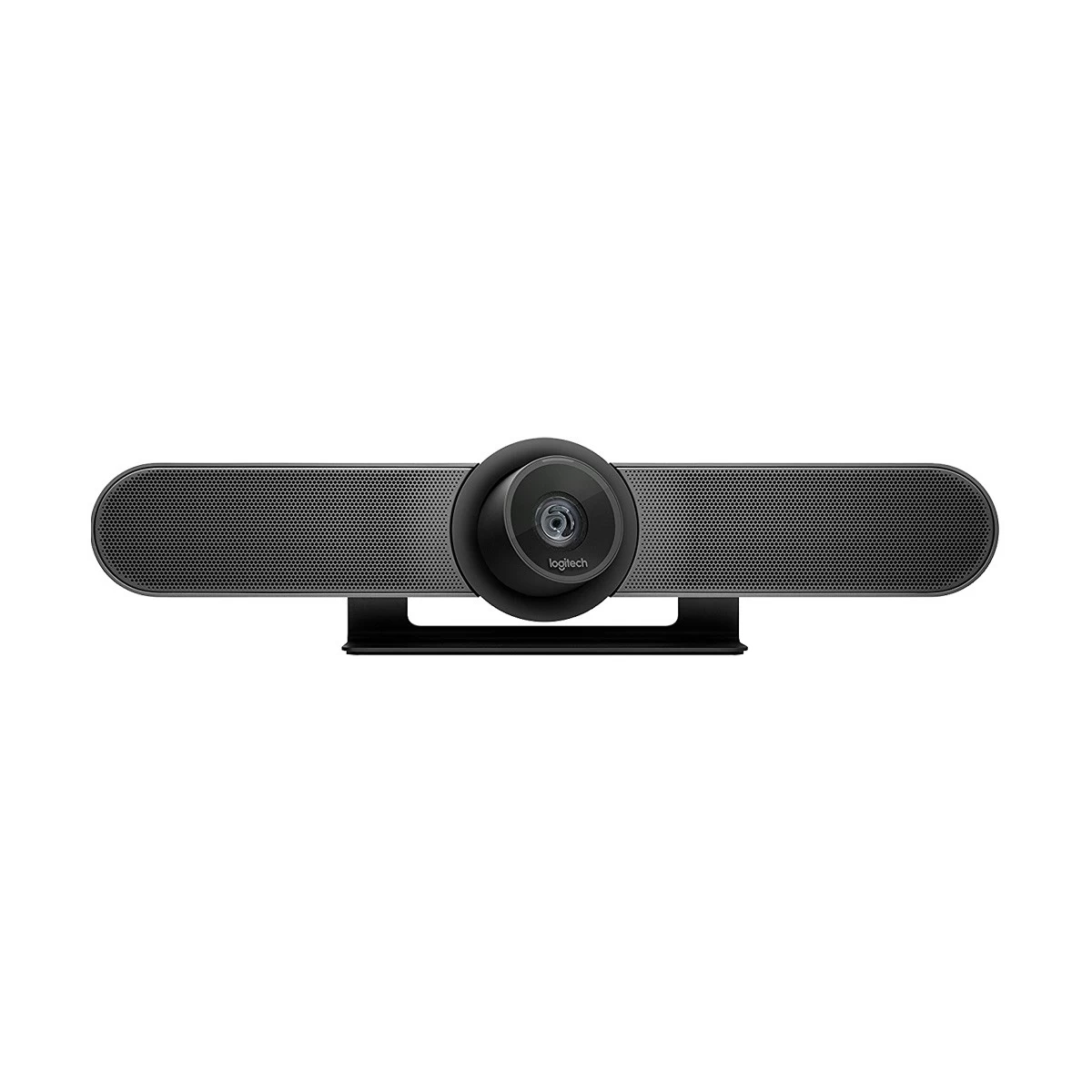
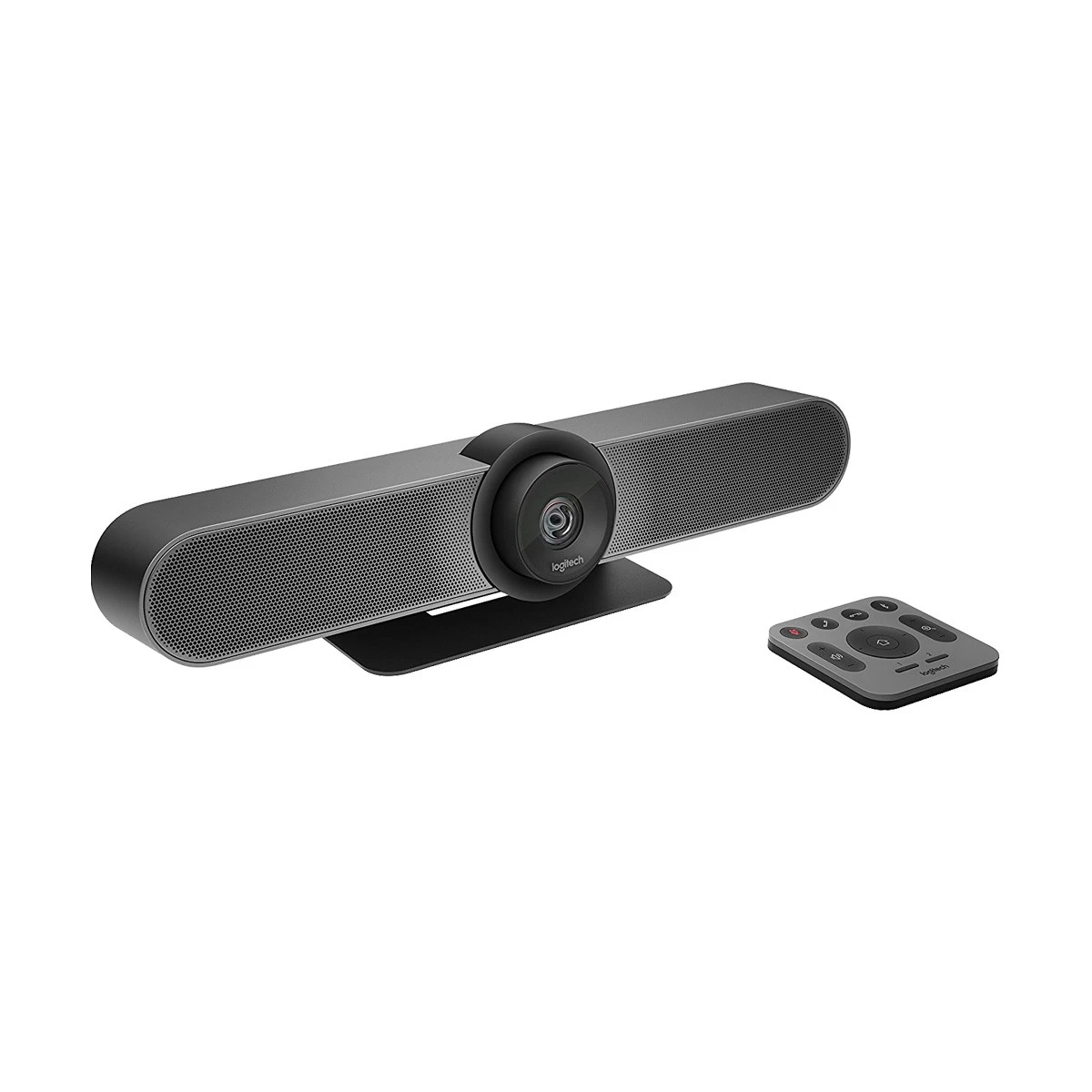
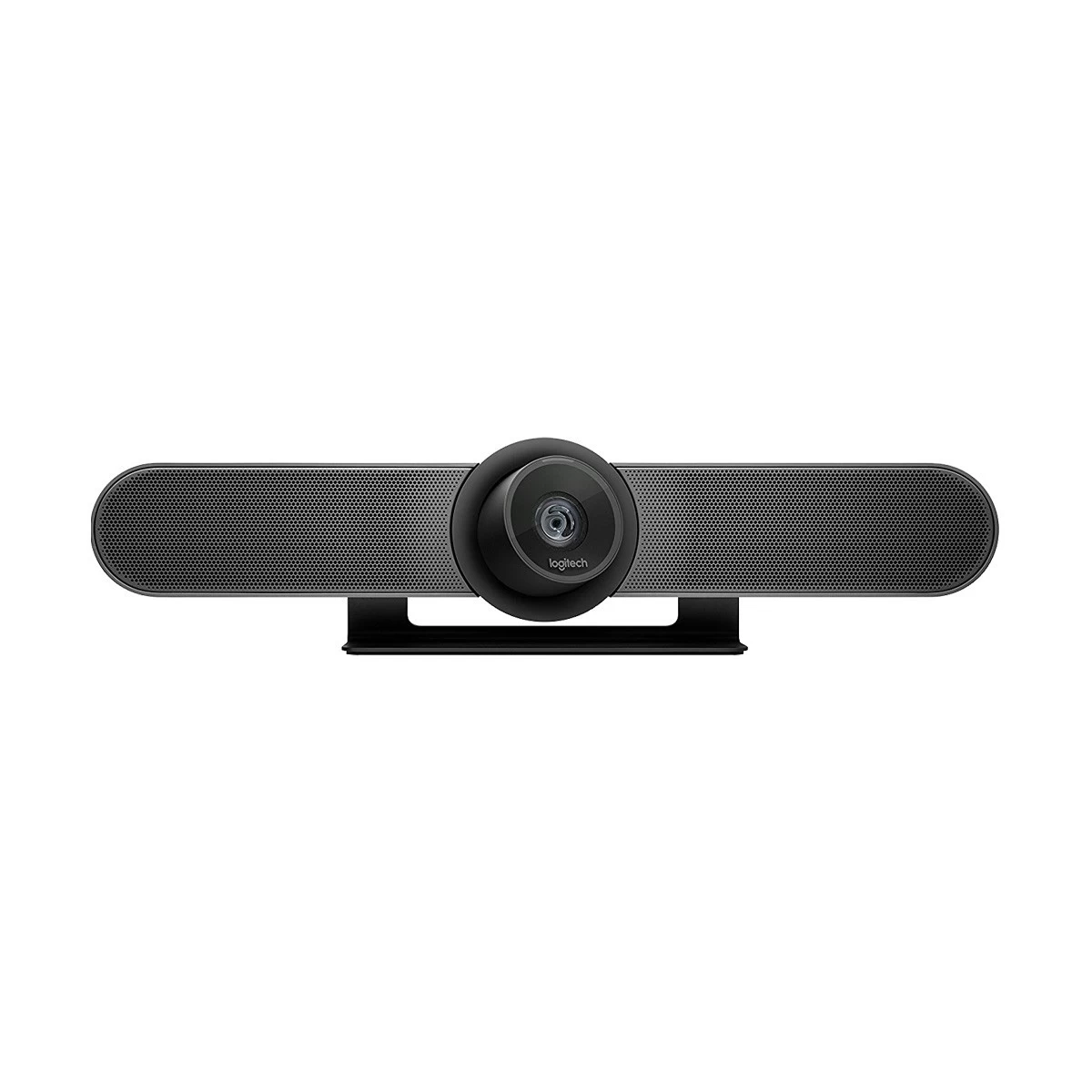
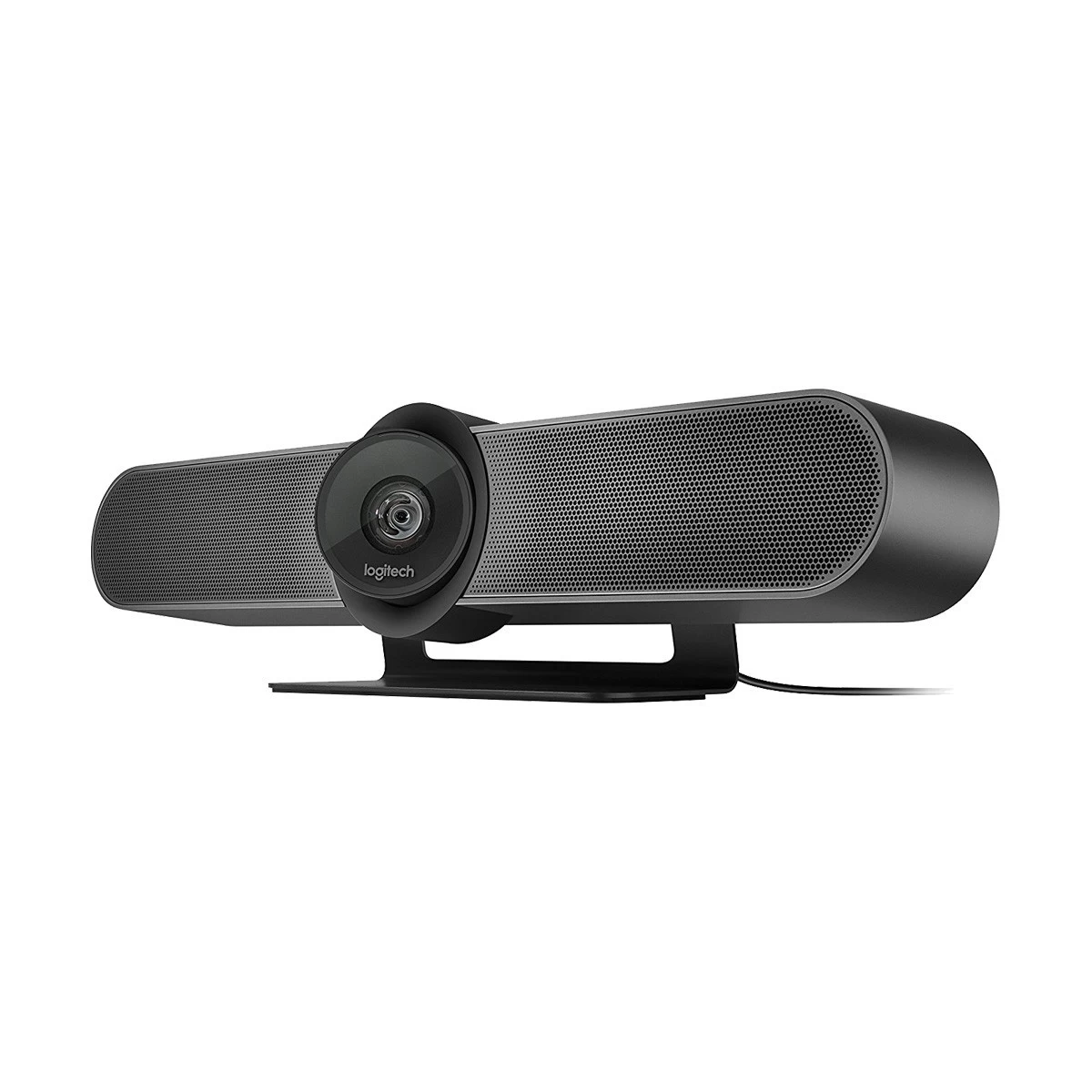
The Logitech MeetUp HD Video and Audio Conferencing System is specially designed for small meeting rooms and huddle spaces. With its ultra-wide field of view, premium audio system, and crystal-clear video, it ensures that every participant is seen and heard perfectly. Whether for quick team huddles or client discussions, this compact all-in-one device makes video conferencing effortless and professional.

SPEAK EASY
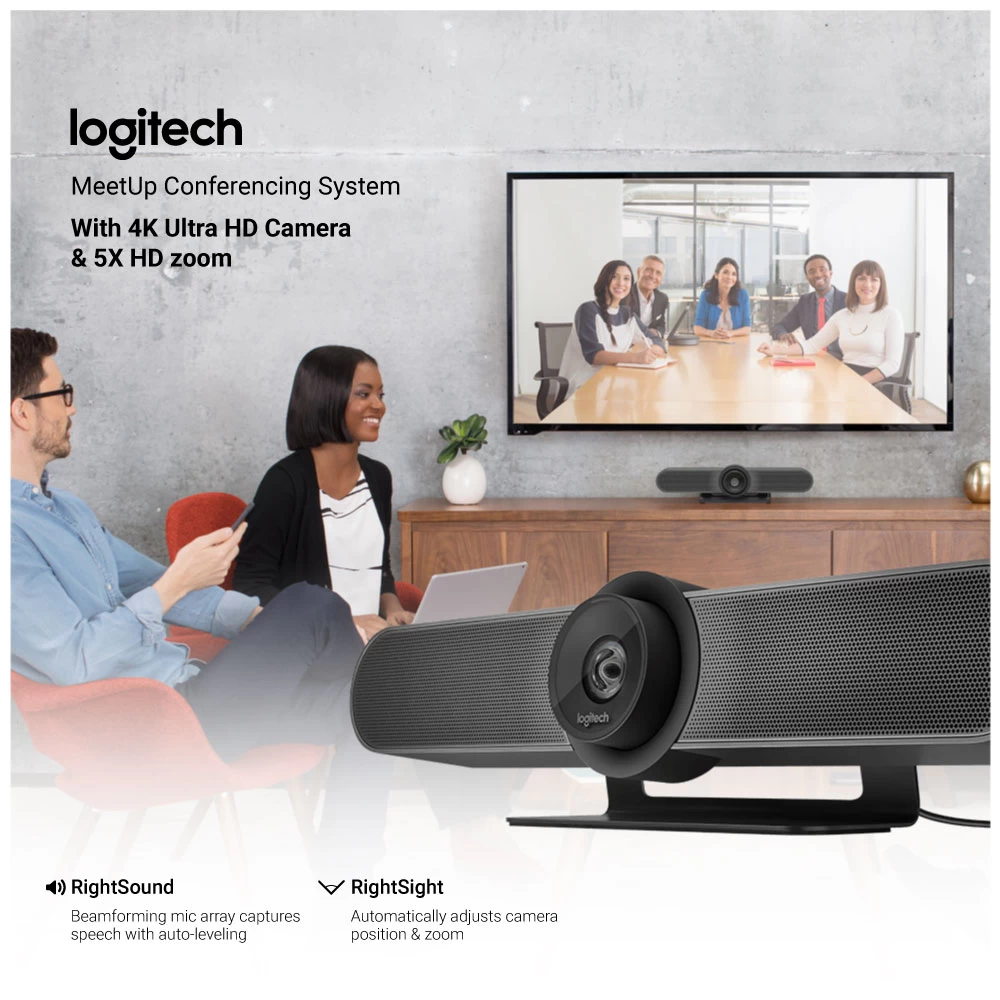
Front-of-room alignment of voice and video is just the first step to natural conversations. RightSound™ technologies include a beamforming mic array that captures speech, while auto-leveling louder and softer voices and suppressing noise.
RIGHTSIGHT
With RightSight™ computer vision, MeetUp automatically adjusts camera position and zoom to find and frame people in the room. Unlike voice tracking systems that jump from person to person, RightSight frames everyone in the conversation for a more comfortable and collaborative experience.
5X ZOOM
Perfectly frame presenters to minimize background distractions. Zoom in on whiteboards and objects so remote participants can see what you see. Thanks to its advanced 4K image sensor, video remains sharp and clear, even when you zoom in on the details.
PREMIUM CAMERA OPTICS
MeetUp features exquisitely engineered, premium camera optics that capture a wide field-of-view without distorting faces and furniture with a “fisheye” effect. Faces look natural, whiteboard writing remains legible, and straight lines stay straight.
EXTENDED RANGE
Logitech Expansion Mic for MeetUp provides greater flexibility in huddle room configurations. Meetup's built-in beamforming mics are optimized for up to 4 meters. To extend that range up to 5 meters, add an Expansion Mic. So whether people are seated at a table, sitting against the wall, or walking around the room, Expansion Mic for MeetUp means everyone will be heard.
BLUETOOTH SPEAKERPHONE
Already connected on your smartphone? Dialing into an audio conference? Pair MeetUp with your smartphone or tablet to enjoy outstanding audio clarity, volume, and range that handheld devices can't match.
TAKE CONTROL
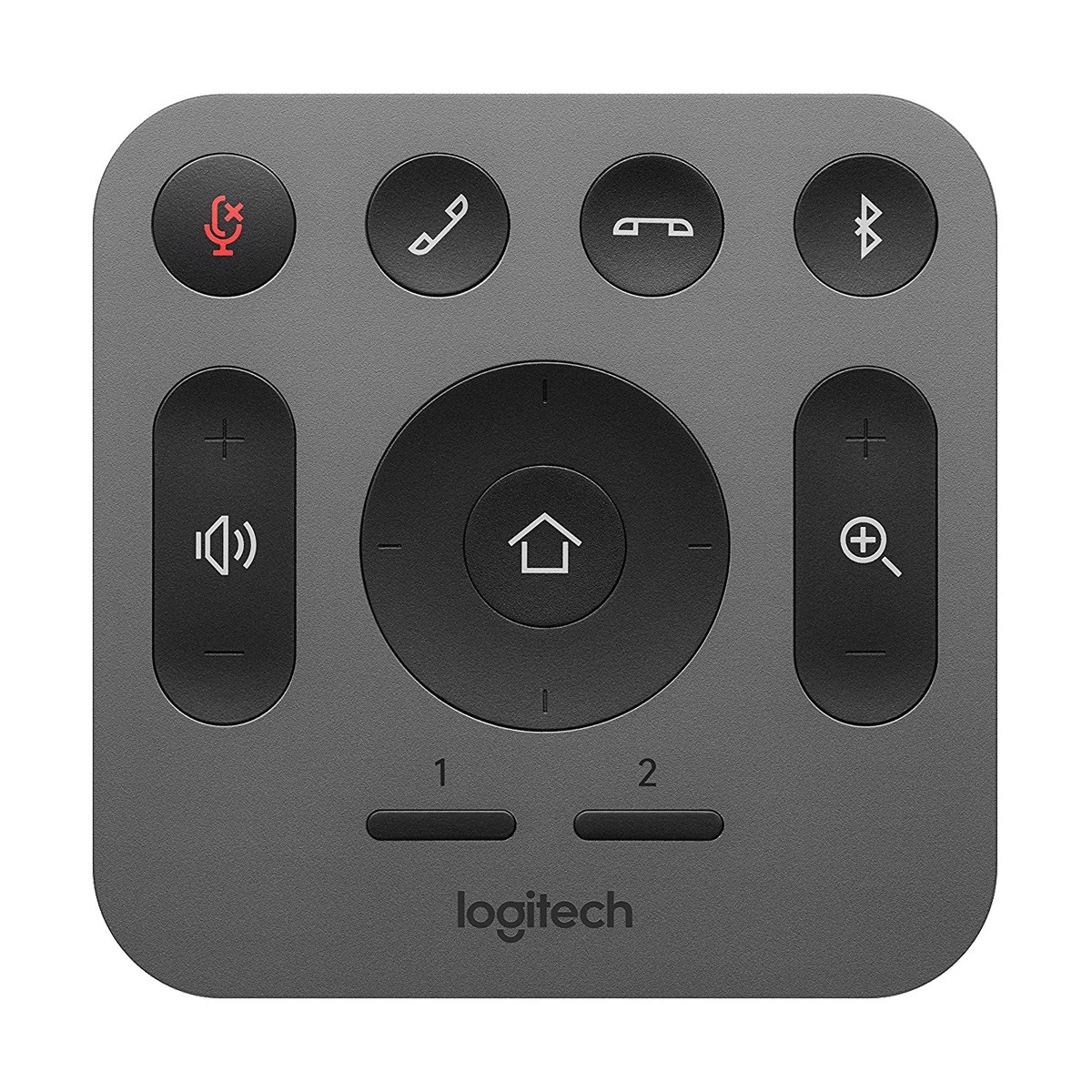
When you need to adjust the volume, mute the microphone, or take manual control over camera position, MeetUp's remote control uses radio frequency (RF) signals for reliable and discreet control from anywhere in the room. You can even download the free Logi Remote app (available on iTunes) to control MeetUp with an iPhone or iPad.
WALL SAVER
No drilling? No problem. By attaching to the VESA mounting points behind the display, the optional TV Mount for MeetUp lets you position MeetUp above or below the display without drilling new holes.
RIGHTSENSE TECHNOLOGIES
Logitech RightSense™ proactive technologies make better video meetings easy and automatic. RightSound optimizes the human voice and enhances conversational clarity, RightSight automatically moves the camera and adjusts the zoom so no one gets left out of the picture, and RightLight helps everyone look their best on camera, regardless of lighting conditions.
Why Logitech MeetUp is Special
The Logitech MeetUp stands out because of its 120-degree ultra-wide field of view, which captures everyone in small rooms without needing to crowd around the camera. Its 4K Ultra-HD camera with pan, tilt, and zoom that ensures clear, detailed video in every meeting.
What makes it even more special is its integrated audio system with beamforming microphones and custom-tuned speakers. This guarantees that voices sound natural while minimizing background noise. The compact design fits perfectly in small spaces, making it a must-have solution for modern offices.
How to Maintain Logitech MeetUp
To keep your Logitech MeetUp performing at its best, follow these maintenance tips:
- Clean the lens regularly with a microfiber cloth to avoid smudges.
- Update firmware and software for the latest features and stability.
- Check the microphone and speaker settings for optimal performance.
- Avoid dust and moisture by placing the device in a clean environment.
- Handle cables carefully to prevent damage or disconnections.
With proper care, your MeetUp will continue to deliver top-quality video and audio for years.
Call to Action – Buy from Ryans Computers
Transform your small meeting rooms with the Logitech MeetUp HD Video and Audio Conferencing System. At Ryans Computers, you’ll find genuine Logitech products, competitive pricing, and expert customer support. Visit your nearest showroom or shop online today to bring seamless conferencing to your workspace.
FAQs about Logitech MeetUp
Q1: What room size is the Logitech MeetUp designed for? It’s designed for small meeting rooms and huddle spaces.
Q2: Does it support 4K video? Yes, the MeetUp provides 4K Ultra-HD resolution with pan, tilt, and zoom features.
Q3: How wide is the camera’s field of view? It has a 120-degree ultra-wide lens, ideal for small rooms.
Q4: Is the audio system built-in? Yes, it includes integrated beamforming microphones and speakers.
Q5: Where can I buy the Logitech MeetUp in Bangladesh? You can purchase it at Ryans Computers, both online and in-store.
What is the price of Logitech MeetUp HD Video and Audio Conferencing System Webcam In Bangladesh?
The price of Logitech MeetUp HD Video and Audio Conferencing System Webcam starts from 125,000 . The price may vary due to your customization and product availability. You can buy Logitech MeetUp HD Video and Audio Conferencing System Webcam from our website or visit our showrooms nearby.
Looking to purchase office, corporate, or institutional equipment? Ryans Computers is here to help. We provide customized solutions tailored to your needs, backed by fast delivery and dependable after-sales service. Our expert Ryans Care team is always ready to support you with troubleshooting, technical assistance, and configuration services—so you can focus on what matters most.